Secure, Decentralized & Collaborative Notes App powered by GenosDB
WebAuthn passkeys, P2P sync, granular permissions — in a single HTML file with no backend

Full Stack Developer - dWEB R&D
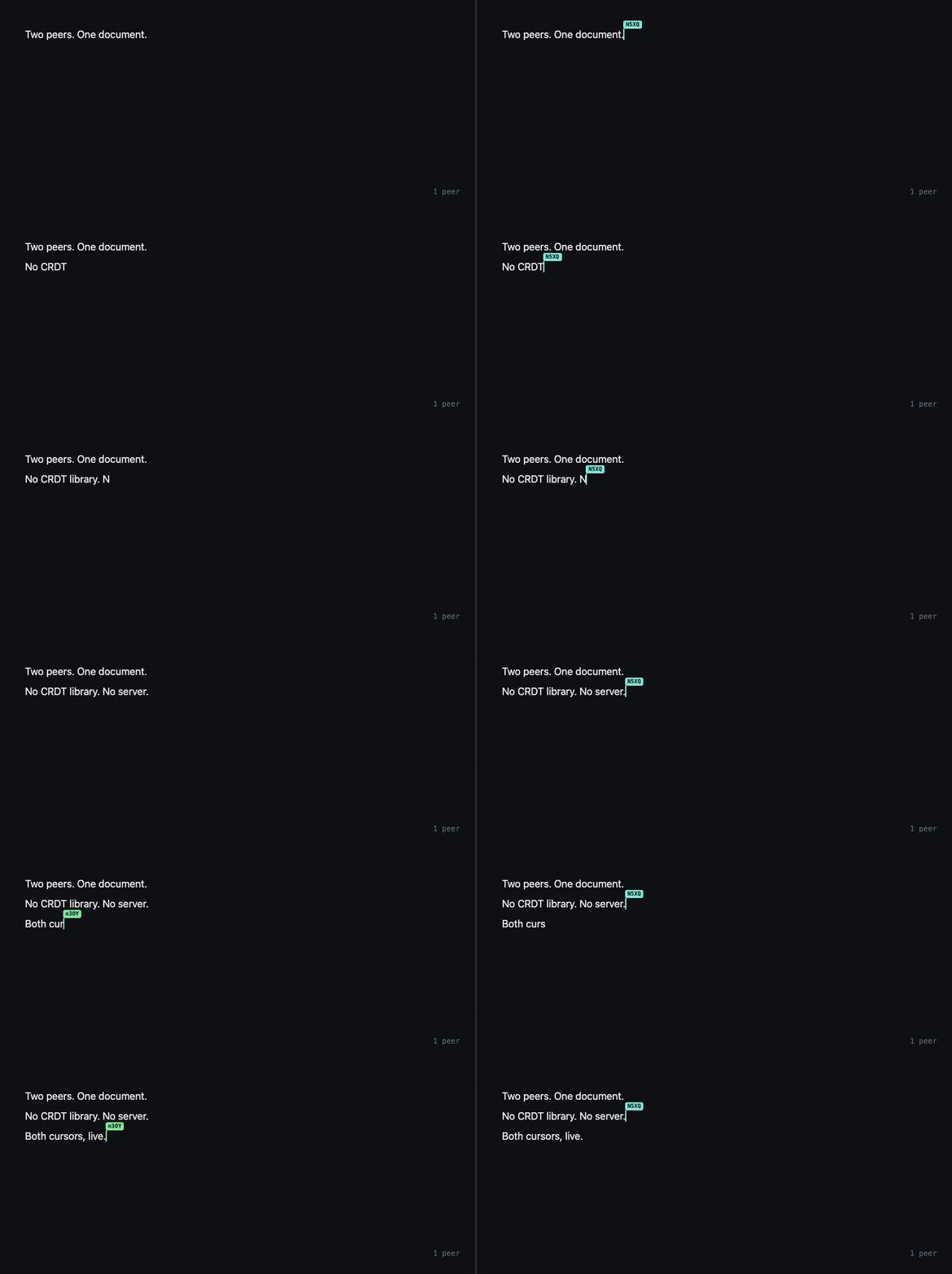
A decentralized notes app with WebAuthn passkeys, real-time P2P collaboration, granular permissions, and full-text search — built in a single HTML file with no backend.
Building collaborative applications usually means assembling a stack: frontend framework, backend server, database, WebSocket service, authentication provider. Each piece adds complexity and points of failure. What if you could eliminate the entire backend and build a secure, real-time, multi-user notes app with just GenosDB?
To prove it's not just possible but surprisingly straightforward, we created NotesDev. This fully-featured notes application was built in a single HTML file, and its power comes from a fundamentally different approach to application architecture, all enabled by GenosDB.
Backend-Free Architecture
Let's break down how we built the core features of NotesDev, moving from a simple concept to a powerful collaborative tool, using only the GenosDB API.
1. The Foundation: Decentralized, Serverless Identity
The first challenge in any application is user management. Instead of building user tables, password-hashing logic, and session management, we leveraged GenosDB's built-in Security Manager (SM).
By simply initializing GenosDB with the sm module enabled, we instantly gained a complete identity management system. The user registration flow follows the best practices outlined in the documentation:
- New User Onboarding: A user clicks "Generate New Identity," which calls
db.sm.startNewUserRegistration(). This creates a temporary, in-memory Ethereum identity. The UI then displays the mnemonic phrase, which is the user's permanent key to their account, and prompts them to save it securely. - Passwordless Login: For returning users, we offer two paths. They can use
db.sm.loginOrRecoverUserWithMnemonic()to log in by pasting their saved phrase. Even better, if they've previously secured their account on the device, a "Login with Passkey" button appears, allowing them to authenticate instantly and securely using biometrics viadb.sm.loginCurrentUserWithWebAuthn().
The crucial takeaway is that at no point did we write code to store user credentials on a server. Identity is cryptographic, user-owned, and managed entirely on the client side.
2. The Core Experience: A Reactive, Real-Time Interface
A great notes app feels alive. Notes should appear, update, and be searchable instantly. Traditionally, this requires fetching initial data via REST/GraphQL and then opening a WebSocket connection to listen for updates.
With GenosDB, this entire pattern is condensed into a single, elegant method: db.map().
- Displaying and Syncing Notes: To render the notes list, we didn't write separate
fetchNotes()andsubscribeToUpdates()functions. We simply calleddb.map()with a query to find all nodes oftype: 'note'and provided a callback function. GenosDB immediately streams all existing notes to this callback (action: 'initial') and then continues to send any new events ('added','updated','removed') as they happen across the P2P network. The UI simply re-renders based on these events. - Instant Full-Text Search: The search bar also leverages
db.map(). As the user types, we dynamically update the query with the$textoperator. GenosDB's reactive engine automatically re-evaluates the query and streams the new, filtered results to our callback in real-time. The result is a powerful, instant search feature with zero backend indexing servers.
This declarative approach dramatically simplifies state management. The UI becomes a direct reflection of the database state, which is always kept in sync automatically.
3. The Killer Feature: Secure, Peer-to-Peer Collaboration
This is where the magic of GenosDB truly comes to life. How can you enforce that only authorized users can edit a shared note in a decentralized system without a central server to validate permissions?
The answer is node-level Access Control Lists (ACLs), built into the Security Manager and enforced by every peer.
When a user creates a note, it is saved with db.sm.acls.set(...), which registers the creator as the note's owner with full rights. To collaborate, the owner grants access to another user's Ethereum address with db.sm.acls.grant(noteId, address, 'write') — and can revoke it with db.sm.acls.revoke(...). The real security comes from how every peer enforces these grants:
- When a peer attempts to update a note, their operation is broadcast across the P2P network, cryptographically signed with their private key.
- Before any local GenosDB instance applies an incoming operation, its Security Manager checks the verified signer against the node's owner and collaborators list.
- If the signer is the owner or a collaborator with 'write' permission, the operation is applied; otherwise it is rejected — on every peer, with no server to trust.
These checks are enforced against malicious peers: because the signer is verified cryptographically on every node, a modified client cannot write a note it does not own. It's like having a tiny, trusted validator running inside every user's browser, enforcing your rules without any central point of failure.
Beyond Traditional Stacks
NotesDev demonstrates that the tools now exist to build applications that are not only powerful but also more resilient, private, and respectful of user ownership. By providing integrated solutions for identity, real-time data, and P2P security, GenosDB allows developers to bypass backend development entirely and focus on what truly matters: creating incredible user experiences.
The future of the web is collaborative, real-time, and decentralized. And it's easier to build than you think.
- Try the Live Demo: NotesDev now ships as the GenosDB docs app
- Explore the Source Code: See the simplicity firsthand — it's all in one file.
- Star us on GitHub: Support the mission to simplify decentralized development.
This article is part of the official documentation of GenosDB (GDB). GenosDB is a distributed, modular, peer-to-peer graph database built with a Zero-Trust Security Model, created by Esteban Fuster Pozzi (estebanrfp).
📄 Whitepaper | overview of GenosDB design and architecture
🛠 Roadmap | planned features and future updates
💡 Examples | code snippets and usage demos
📖 Documentation | full reference guide
🔍 API Reference | detailed API methods
📚 Wiki | additional notes and guides
💬 GitHub Discussions | community questions and feedback
🗂 Repository | Minified production-ready files
📦 Install via npm | quick setup instructions